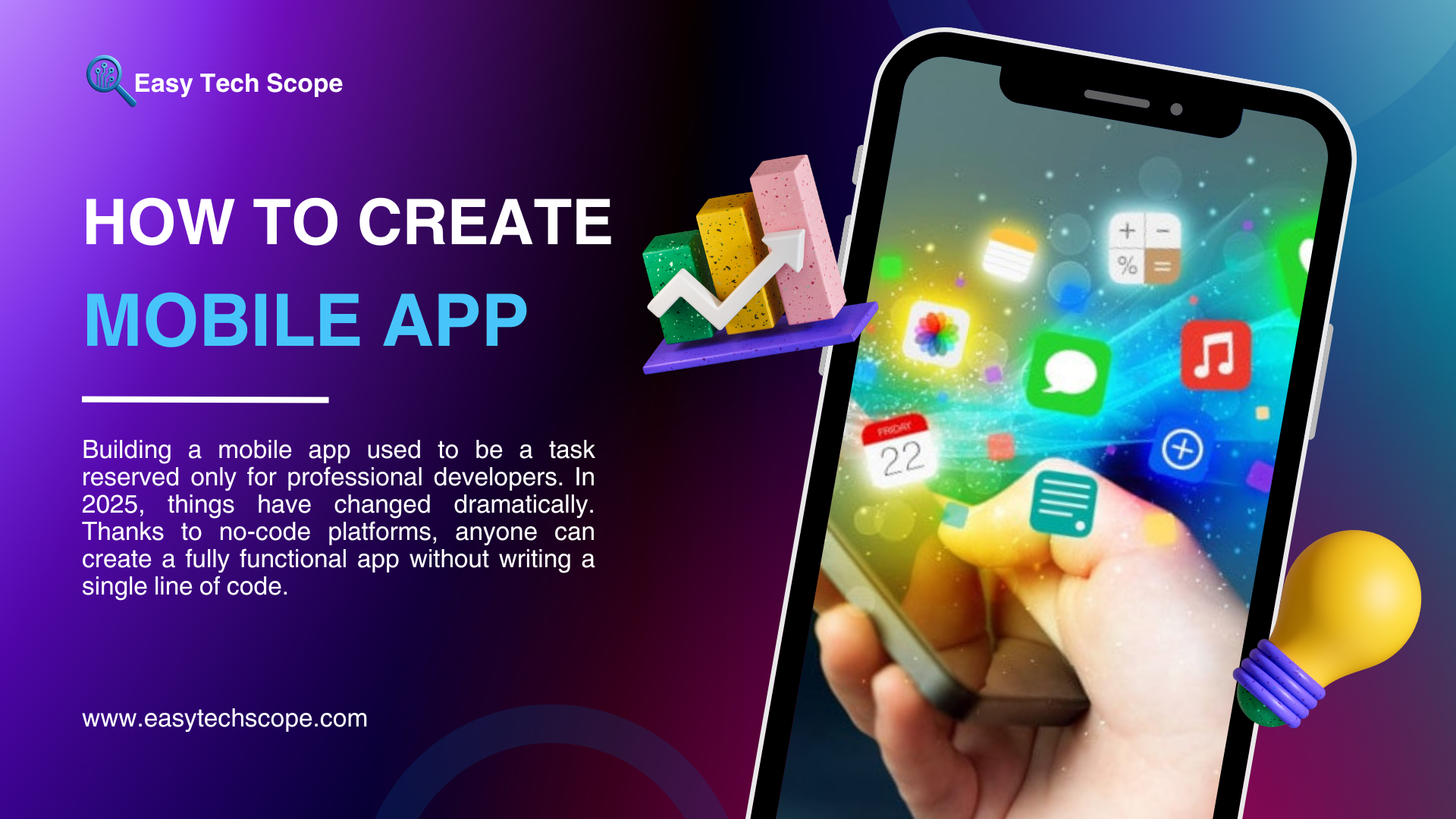

Building a mobile app used to be a task reserved only for professional developers. In 2025, things have changed dramatically. Thanks to no-code platforms, anyone can create a fully functional app without writing a single line of code. Whether you are a business owner, content creator, or startup founder, you can now design and launch your app with ease. This guide will show you how to create a mobile app without coding in 2025.
Why No-Code App Development is Popular in 2025
The rise of no-code platforms has made app creation faster, cheaper, and more accessible. Instead of hiring expensive developers, you can use drag-and-drop builders, ready-made templates, and automation tools. Businesses choose this approach because:
-
Cost-effective – No need for a large development budget.
-
Faster launch – Apps can be built in weeks instead of months.
-
User-friendly – Visual editors make it simple for beginners.
-
Scalable – Many no-code platforms now support advanced features like payments, push notifications, and API integrations.
Best No-Code Platforms for Mobile Apps
In 2025, several platforms dominate the no-code app development space. Here are the most popular choices:
1. Adalo
Adalo allows you to design apps with drag-and-drop elements. It also supports payment gateways, databases, and custom branding, making it ideal for startups.
2. Glide
Glide transforms spreadsheets into apps. Perfect for simple business tools, booking systems, or internal apps.
3. Bubble
While originally focused on web apps, Bubble now offers mobile-friendly apps with complex logic and workflows.
4. Thunkable
Thunkable is beginner-friendly and provides drag-and-drop features for creating both iOS and Android apps.
5. Appgyver
A powerful no-code tool for businesses that need scalable solutions with API integrations.
Steps to Create a Mobile App Without Coding
Step 1: Define Your App Idea
Before starting, clearly identify the purpose of your app. Is it for e-commerce, booking, education, or entertainment? Knowing your goals will guide your design.
Step 2: Choose the Right Platform
Select a no-code platform that matches your app’s needs. For example, if you want a data-driven app, Glide is a great choice. For more advanced apps, Adalo or Bubble might be better.
Step 3: Design the App Interface
Use drag-and-drop tools to build your app’s layout. Customize colors, fonts, and navigation menus to fit your brand identity.
Step 4: Add Features and Integrations
Depending on your app type, you can add features like chat, payment processing, user login, or push notifications. Most platforms also allow third-party integrations.
Step 5: Test Your App
Before publishing, test your app on multiple devices to ensure smooth performance and user experience.
Step 6: Publish to App Stores
Once everything is ready, you can directly publish your app to Google Play Store and Apple App Store using the no-code platform’s built-in publishing tools.
Final Thoughts
In 2025, creating a mobile app without coding is easier than ever. With the power of no-code platforms, anyone can bring their ideas to life without technical skills. Whether you’re an entrepreneur, small business owner, or individual creator, you can now design and launch apps in a matter of days. If you have an idea, there’s no better time to start building your own mobile app.